cTrader Review: Is a cTrader Broker Better Than MetaTrader?
cTrader costs nothing to install and ships with depth of market, C# and Python bots and cloud execution. We weigh it against MetaTrader for manual and algorithmic forex traders, and say who should stay put.
8.2/10
The better-built platform for a trader who cares about depth of market, clean order tickets and C# or Python automation, and it costs nothing to use. It loses on choice: far fewer brokers and far fewer ready-made bots than MetaTrader. Pick cTrader if you write or tune your own bots. Skip it if you rely on a library of off-the-shelf Expert Advisors.
Best for
Manual scalpers and coders who want depth of market and C# or Python bots
Free to use: there is no platform licence, you only pay your broker's costs
Level II depth of market is part of the core trading view, not an add-on
cBots run in C# or Python, and cloud cBots keep running with your device off
One cTrader ID works on Windows, Mac, web, iOS and Android
The Store lists over 900 cBots and 1,500 indicators, many with a money-back window
What does not
Far fewer brokers offer it than MetaTrader, so your choice of firm narrows
The bot and indicator library is a fraction of MetaTrader's Expert Advisor market
Cloud cBots and copy trading depend on each broker switching them on
Store bots are sold by third parties, and many backtest claims cannot be verified
Specs
Maker
Spotware Systems, sold to traders through partner brokers
Cost to trader
No platform fee; spreads and commission set by your broker
Desktop apps
Windows and Mac
Other apps
Web, iOS, Android, plus Huawei, Samsung and Amazon stores
Algo languages
C# and Python, with a built-in code editor and external IDE support
Cloud bots
Run 24/7 on the cTrader cloud where the broker allows it
Store stock
929 cBots, 1,524 indicators and 77 plugins at time of writing
Store sellers
300+ active sellers, 500+ downloads a day (Store figures)
User claim
11M+ traders worldwide (cTrader Help Centre)
Built-in indicators
86, against 80+ in MetaTrader 5 (DailyForex count)
Start with what cTrader is not. It is not a broker, and it has no price of its own. Spotware builds the platform, and brokers license it and pass it to you free. So the real question is never "what does cTrader cost?" It is "does a cTrader broker suit me better than a MetaTrader one?"
Our answer: for a coder or a depth-of-market scalper, yes. For almost everyone who buys ready-made Expert Advisors, no.
Leveraged trading carries a real risk of loss, and nothing here is personal advice.
The ecosystem is a storefront as much as a terminal
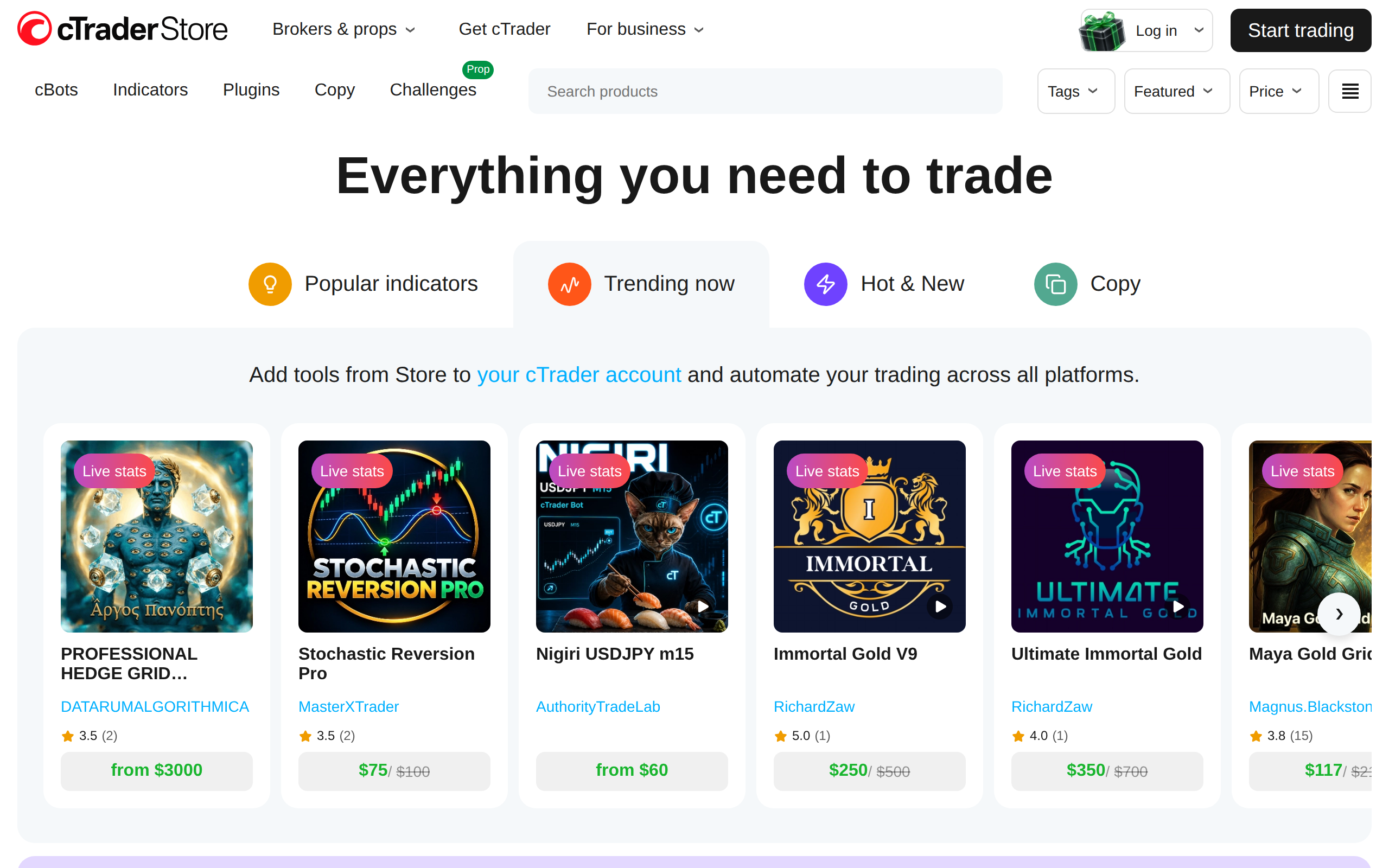
The first thing most people meet is ctrader.com, which is the cTrader Store, not a broker page. Its homepage sells trading algos by the copy, with prices from free up to a listed $3,000.
The Store's own counts at the time of writing were 929 cBots, 1,524 indicators and 77 plugins, from more than 300 active sellers. Purchases carry a 14-day money-back guarantee, and new sign-ups are offered $50 off a first order.
That is a healthy shop. It is also about one thirtieth the size of the MetaTrader Expert Advisor market, which independent comparisons put above 25,000 products. If your plan is to browse, buy a bot and let it run, MetaTrader simply has more to browse.
Bots: where cTrader is genuinely ahead
cTrader Algo, the development side, supports C# and Python, with a built-in editor and support for external IDEs (help centre). C# is a mainstream language with a huge talent pool, which matters if you ever pay a freelancer to write a strategy.
The second advantage is cloud execution. Cloud cBots keep running with your laptop closed, and you can start them from any app. The catch, which the Store FAQ states plainly, is that your broker must enable cloud instances. Local cBots run on Windows or Mac and stop when the app closes.
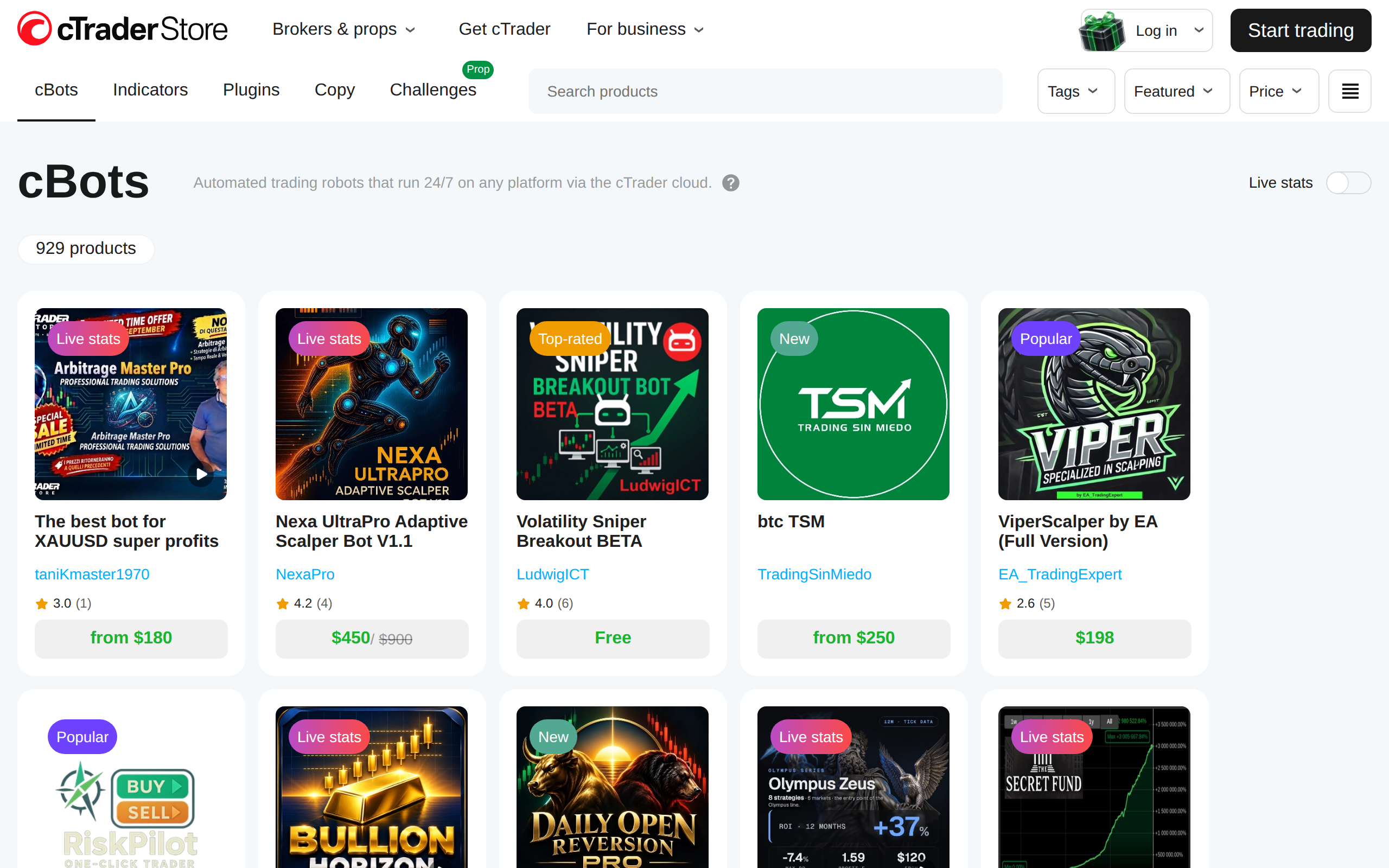
ctrader.com
The cBots section of the Store, with listings from $50 to $450 on the front page
Be sceptical here. Store listings are third-party products with seller-supplied claims. We treat a backtest on a product page as marketing until we have rerun it on a demo account through the broker we intend to use. Symbol names, commission and swaps differ by broker, so a bot tuned on one can behave differently on another.
Depth of market and the order ticket
The other reason traders move is the trading view itself. Independent comparisons agree that cTrader puts Level II depth near the centre of the screen, with three depth-of-market views: Standard, Price and VWAP. MetaTrader 5 has a market depth window too, but it feels bolted on next to cTrader's.
Both platforms offer 26 chart periods, and cTrader counts 86 built-in indicators against "80+" for MT5 (DailyForex). Raw feature counts do not separate them. Feel does. cTrader's order ticket and position panel are cleaner, and a scalper who adjusts stops by dragging on the chart notices the difference within a day.
Choosing a broker matters more than choosing the platform
This is where the decision gets practical. cTrader lets you compare what each broker charges, and the Store keeps a page of broker comparisons by country.
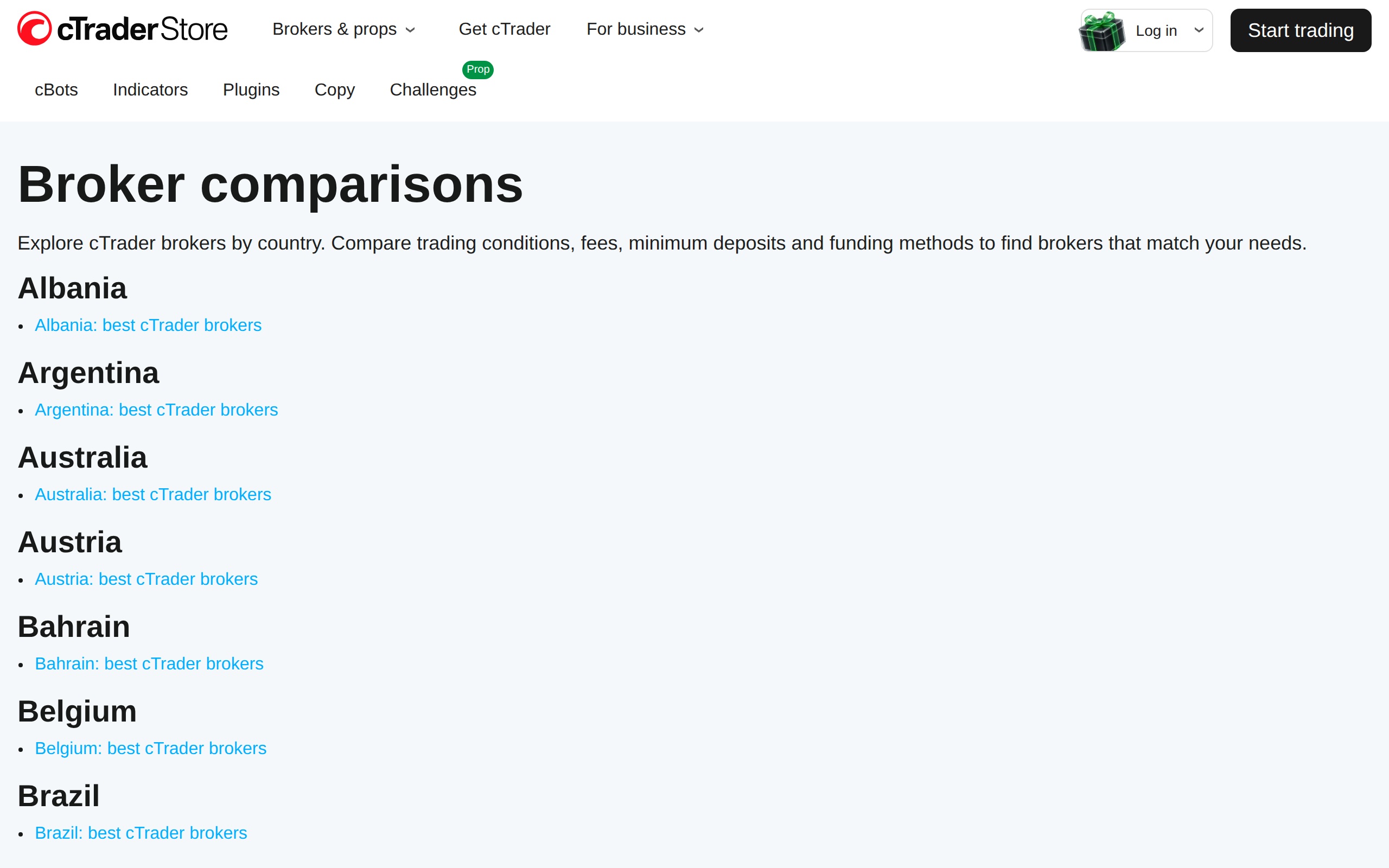
ctrader.com
Broker comparisons by country: the Store's shortlist page for cTrader brokers
The FAQ gives a useful rule of thumb: a raw spread account at 0.1 pips with $7 commission per lot can beat a standard account at 1.4 pips with no commission, depending on your volume. Add swaps if you hold overnight, and slippage if you scalp. We agree with that arithmetic, and with its advice to test a new bot on a demo account before sizing up.
Two restrictions to check before you fund anything. Copy trading is not available in every country. And, as the help centre shows, some features are gated by region or client classification.
Where we land
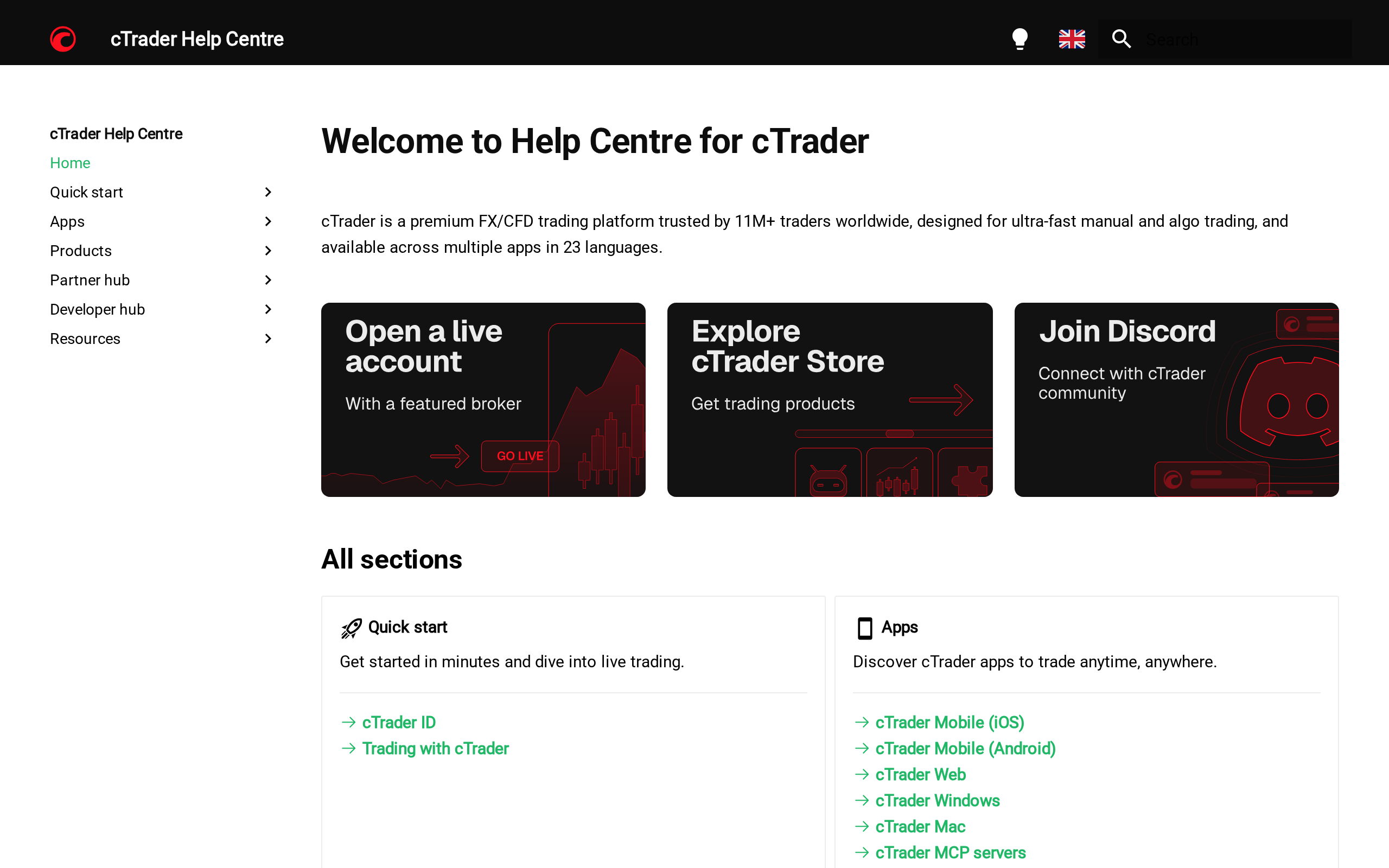
ctrader.com
The cTrader Help Centre, which claims 11M+ traders and covers mobile, web, Windows and Mac apps
The Help Centre is well organised and covers every app, from iOS and Android to web, Windows and Mac. The user claim on it, 11M+ traders, is cTrader's own figure, and we cannot verify it.
Choose cTrader if you write your own bots, trade by the order book, or want one ID that follows you across desktop, browser and phone.
Skip it if you live on third-party Expert Advisors, need a long list of brokers, or are already comfortable on MetaTrader 4 and trade a simple strategy by hand. The switch buys you little then.
Narrow choice is the real cost, since the platform itself is free. We score it 8.2: the best-designed retail forex platform on the market, held back by a smaller world around it.